
Your kitchen. Your next idea.
Say what you have.
Discover what to cook.
Tell SayDish what’s in your kitchen or what you’re craving. Get a recipe with ingredients and step-by-step instructions.
Recipe generation requires a subscription. A 7-day free trial is available for eligible users.
See how it works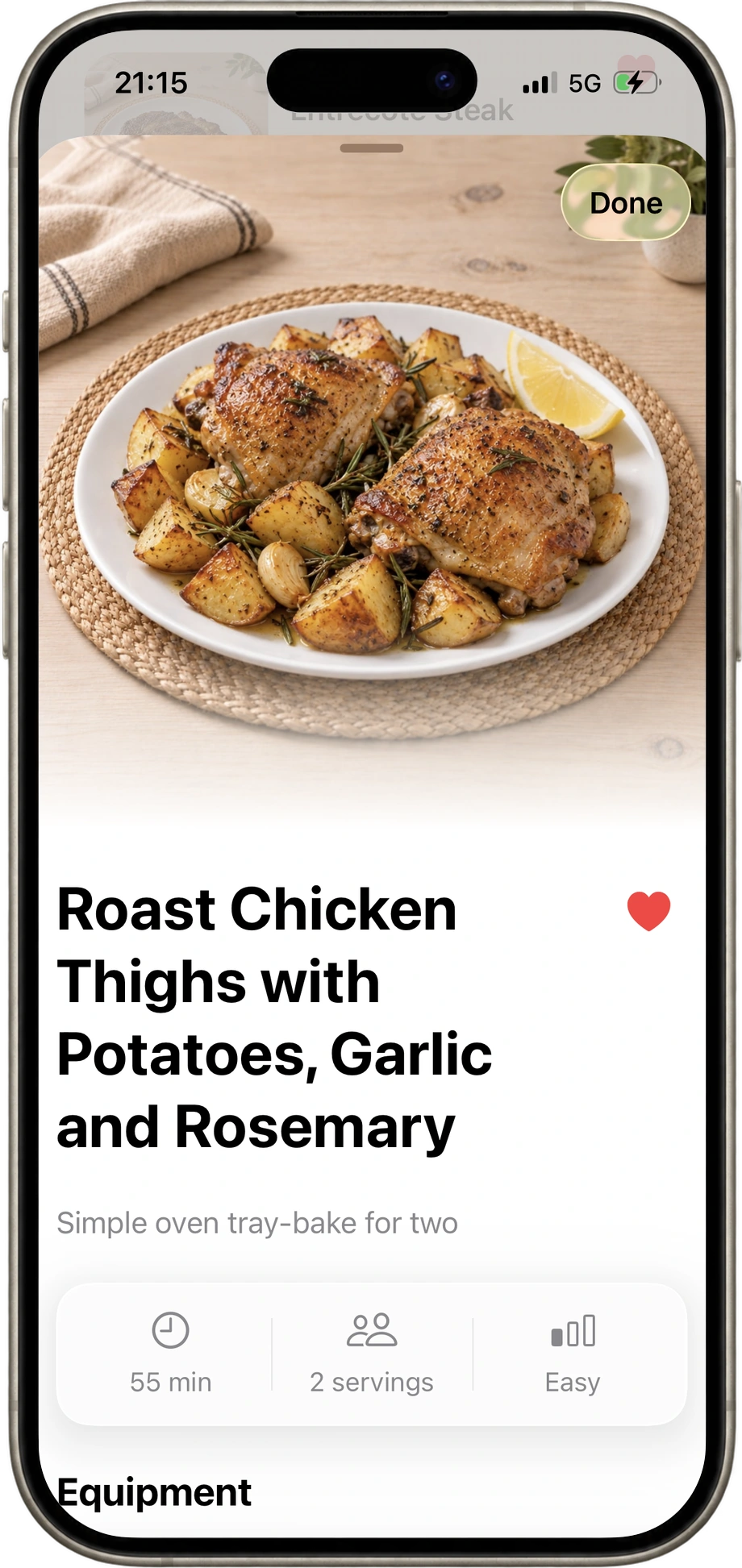
01 · A few words to start
Tell us what
you have.
Speak or type your ingredients, a dish, or an idea.
A few things in the fridge. A dish you love. Something you’re craving. Start right there.
Voice preview

“A quick chicken dinner for two.”
Tap the SayDish button to try it.
Interactive demo. No microphone is used.
02 · Everything in its place
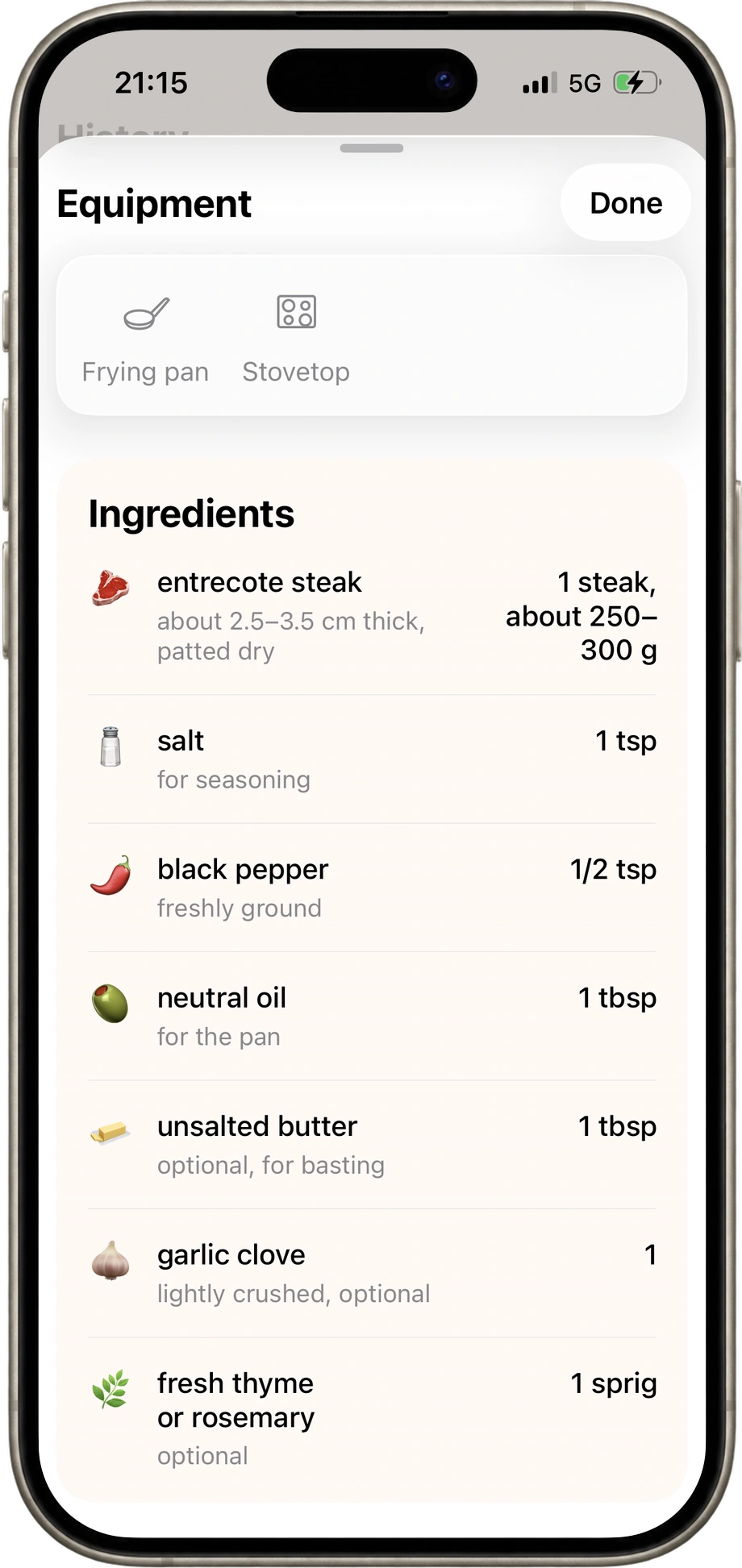
Get your recipe.
Get ingredients and clear cooking steps in one place.
See what you need, then follow the recipe at your own pace.
03 · Stay in your cooking flow
A timer beside
the step.
Start a timer where a recipe step includes one. Pause and resume as you cook.
Your instructions and your countdown stay together, right where you need them.
Heat the oven
Timer preview
Tap Start, then try Pause, Resume or Reset.
Interactive demo. This timer never plays a sound.
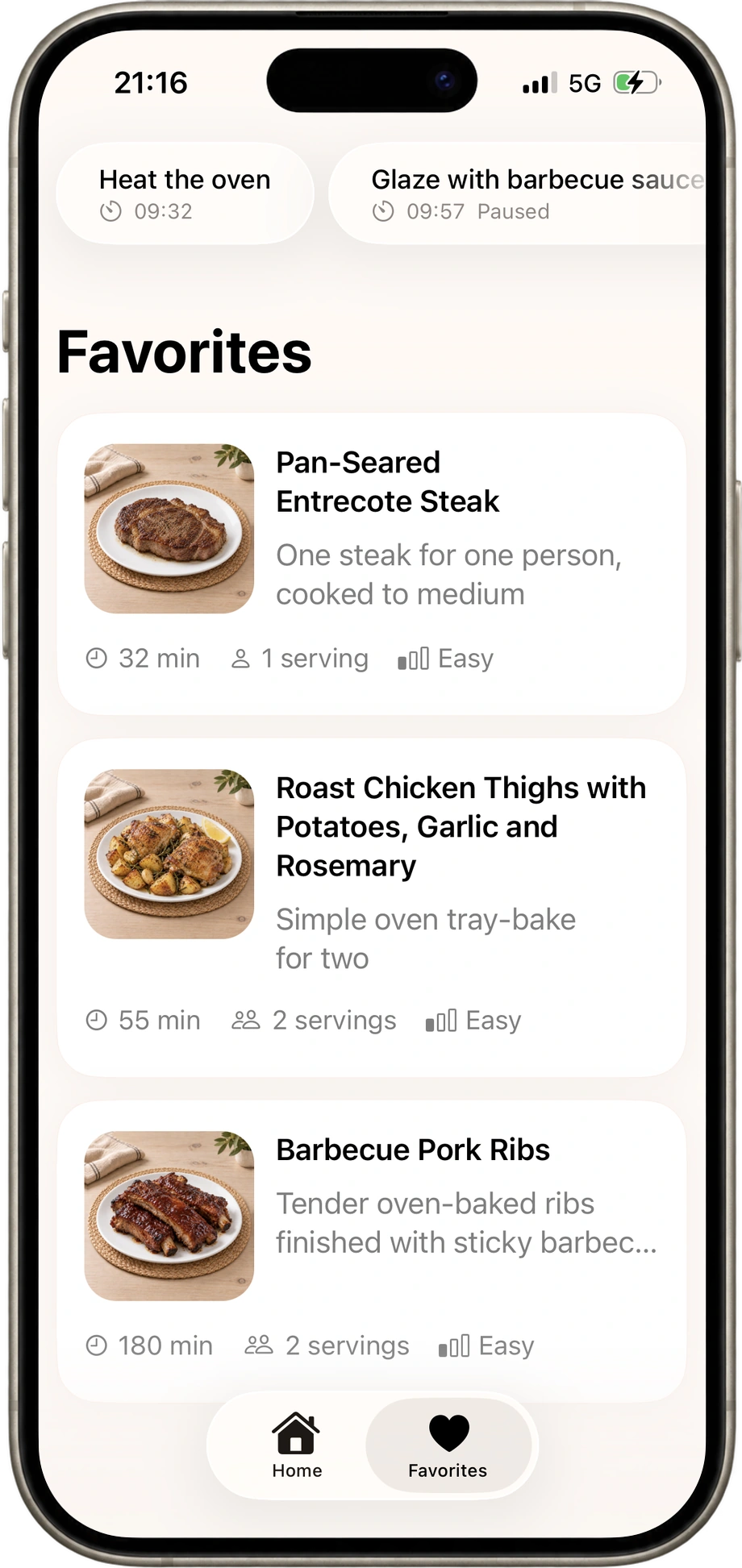
04 · One to come back to
Keep your favorites.
Save recipes you want to cook again.
That dinner everyone loved? Keep it close for next time.
Start with what’s on your mind
What sounds good?
A few ideas of what you can say or type in the app.
- In your kitchen
“I have eggs, spinach, and feta. What can I make?”
- On your schedule
“A quick chicken dinner for two.”
- On your mind
“Something sweet with bananas and chocolate.”
A little craving goes a long way
Your next meal starts
with a few words.
Recipe generation requires a subscription. A 7-day free trial is available for eligible users.